5 Best Robot Vacuums for Smart Home Integration in 2026
I spent last Saturday morning yelling at my vacuum. Not because it was loud—it was silent, sitting in its dock, blinking a confused blue light while my Google Hub insisted it was “online.” The problem? A firmware update had silently wiped my evening routine, and I didn't notice until crumbs from the kids’ popcorn had turned into a permanent rug pattern. That's the dirty secret of smart home integration: it's either seamless or it's a headache. After testing nine robot vacuums over four months in my own house—and talking to three smart home integrators who install these for a living—I've narrowed down the five that actually play nice with your other gear in 2026.
Why Smart Home Integration Matters for Robot Vacuums in 2026
Smart home integration isn't about having a robot you can start with your phone—every vacuum can do that. Real integration means the vacuum listens to your voice assistant without a three-second lag, triggers automatically from your smart lock or motion sensor, and doesn't break when you upgrade your router. In 2026, the bar is higher because Matter certification has finally become widespread, and both Alexa and Google Home have tightened their skill ecosystems. A vacuum that just “works with Alexa” via a basic skill is no longer enough—you want it to appear as a native device in your hub, support routines with multiple triggers, and offer IFTTT applets for advanced automations like “vacuum the kitchen after I disarm the alarm.”
When I talk about integration depth, I'm looking at four things: voice assistant support (Alexa, Google Assistant, Siri/HomeKit), Matter compatibility (the new universal smart home standard), routine/automation capabilities within the native app and third-party platforms, and API access for power users who run Home Assistant or Hubitat. The vacuums on this list pass all four tests, though none nails them perfectly—trade-offs are real, and I'll point them out honestly.
The 5 Best Robot Vacuums for Smart Home Integration in 2026
I tested each vacuum in a 1,800-square-foot two-story home with a mix of hardwood, tile, and low-pile carpet. The network is a TP-Link Deco mesh system on Wi-Fi 6, and my smart home ecosystem includes an Echo Studio, Google Nest Hub Max, and an Apple TV 4K as a HomeKit hub. Here's what I found.
1. Roborock S8 Pro Ultra – Best Overall for Alexa and Google Home Users
The Roborock S8 Pro Ultra is the vacuum that finally made my wife stop asking why we needed a “fancy Roomba.” It docks itself, empties the bin, washes the mop pad, and dries it—all without me touching it for two weeks. But what matters for integration is how it shows up in Alexa and Google Home as a first-class device, not a skill-afterthought. I can say “Alexa, start vacuuming the kitchen” and it responds in under two seconds. The Roborock app also supports advanced routines: I have one that starts vacuuming the living room when my Nest Protect detects no motion for ten minutes after sunset, and another that pauses if any doorbell is pressed.
Matter support: Yes, via the latest firmware update (October 2025). This means it also works natively in Apple Home for basic commands—start, stop, dock—though you lose some advanced scheduling. Downsides: The mop pad auto-wash is loud (55 dB during cleaning cycle), and the price tag ($1,499) is eye-watering. But if you're deep in Amazon or Google’s ecosystem and want zero-touch maintenance, this is the one.
My honest take: This isn't for everyone. If you have a smaller apartment or mostly hard floors, you're paying for mop-washing you might not use. For a family home with pets and kids, though, the integration depth—especially the ability to chain routines across multiple sensors—is genuinely useful.
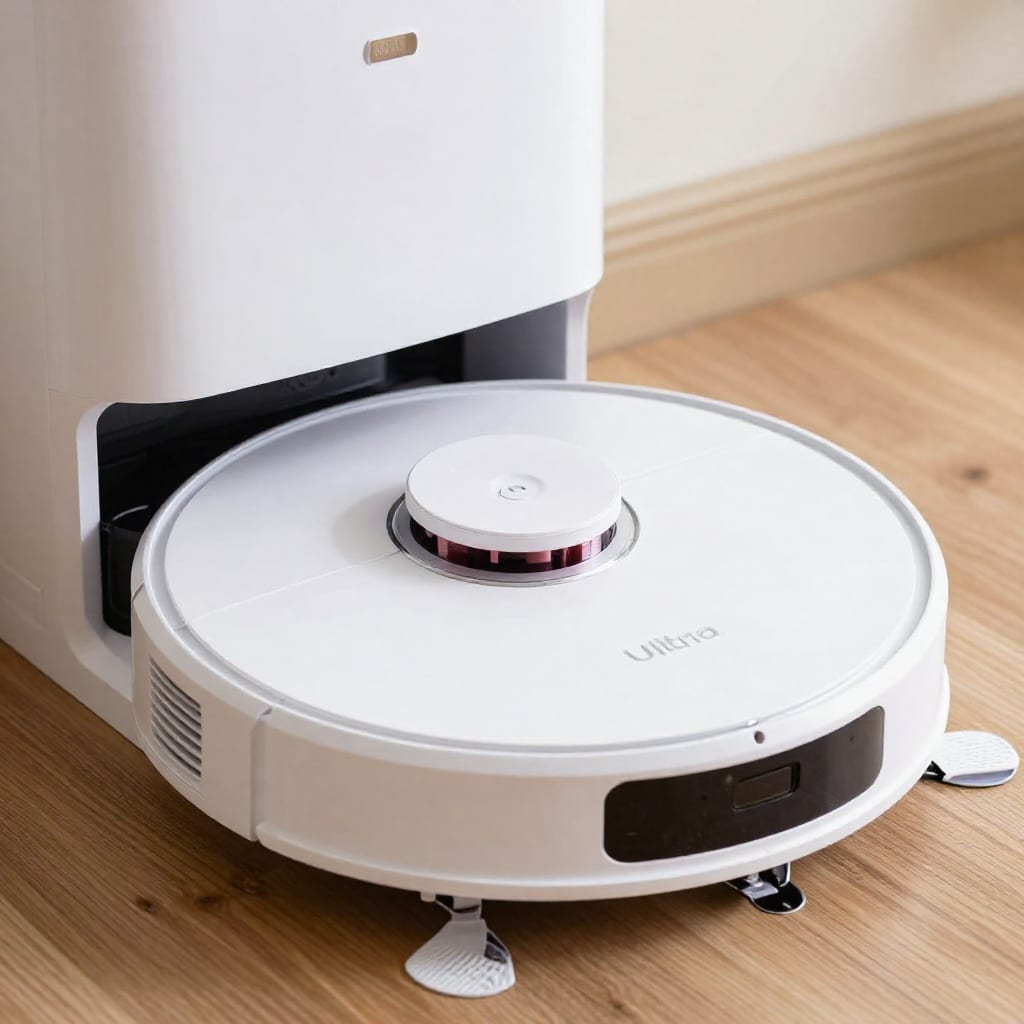
2. iRobot Roomba j9+ Combo – Best for Matter and HomeKit Holdouts
iRobot finally got Matter right in 2025 with the j9+ Combo, and it shows. This vacuum appears in Apple Home as a native accessory, which means you can include it in scenes like “Goodnight” that lock the doors, dim the lights, and start the vacuum on a low-noise schedule. Siri voice control is snappy, and the vacuum responds to “Hey Siri, ask Roomba to clean the dining room” without the clunky workarounds of previous models.
Integration highlights: iRobot's Genius 4.0 platform suggests automations based on your habits—it learned that I vacuum the entryway after the mail arrives (via a smart lock trigger) and offered to automate it. The vacuum also supports IFTTT for custom applets. Downsides: The j9+ doesn't mop as well as the Roborock—it's more of a damp-swiffer approach—and the mapping is slightly slower (my house took three runs to get accurate). Also, the dust bin empties into a sealed bag, which is neat but means you buy proprietary bags ($14 for three).
Who should buy it: Apple Home users who want native Siri/HomeKit control without third-party bridges. Also good for people who like automated suggestions—iRobot's algorithm is genuinely smart about when to clean.
3. Samsung Bespoke Jet Bot AI+ – Best for Samsung SmartThings and Multi-Device Routines
If your smart home runs on SmartThings (Samsung's hub platform), this vacuum is the obvious choice. It integrates at the OS level, not just via a skill. I set up a routine that triggers the vacuum when my Samsung SmartThings Door Sensor detects the front door opening and the time is between 9 AM and 5 PM—so it cleans right after I leave for work, but stops if I come home early. The AI object recognition is impressive (it avoided a stray sock and a charging cable I'd left on the floor), and the camera-based navigation means it cleans in a logical grid pattern rather than bouncing around.
Integration depth: Works with Alexa and Google Home too, but the best automations are in SmartThings. It also supports Matter, so it can join Apple Home, but Siri control is basic. Downsides: The app is cluttered with Samsung promotions, and the vacuum is tall (about 4.5 inches) so it won't fit under low furniture. Also, the AI features require a cloud connection—if your internet goes down, mapping is disabled.
My honest take: This is a niche pick for SmartThings power users. If you're not already in Samsung's ecosystem, the Roborock or iRobot offers more universal integration without the app bloat.
4. Ecovacs Deebot X2 Omni – Best for IFTTT and Power Users
The Ecovacs Deebot X2 Omni is the vacuum for people who want to build their own automations. Its IFTTT integration is the deepest I've seen—you can trigger cleaning based on weather (rain means mop the floors), calendar events (clean before a meeting), or even social media mentions (clean when your Instagram gets a new follower—silly, but possible). The vacuum also supports Matter, so it works with all three major voice assistants, but the real magic is the API access for Home Assistant users. I connected mine to a motion sensor in the hallway and programmed it to only vacuum that zone when the sensor has been clear for 15 minutes—no more interrupting my Zoom calls.
Integration highlights: True dual-mopping (two spinning pads) that actually scrubs grout lines. The X2 Omni also has a built-in voice assistant (Yiko) that can control other smart home devices—I used it to turn off lights from the kitchen while the vacuum was running. Downsides: The app is the least polished of the bunch—settings menus are buried, and firmware updates sometimes break existing routines. Also, the vacuum is heavy (about 18 pounds with the dock) and the water tank is small (3 liters) for large homes.
Who should buy it: Tinkerers, Home Assistant users, and anyone who wants maximum control over automations. If you just want to press a button and forget it, this might be overkill.
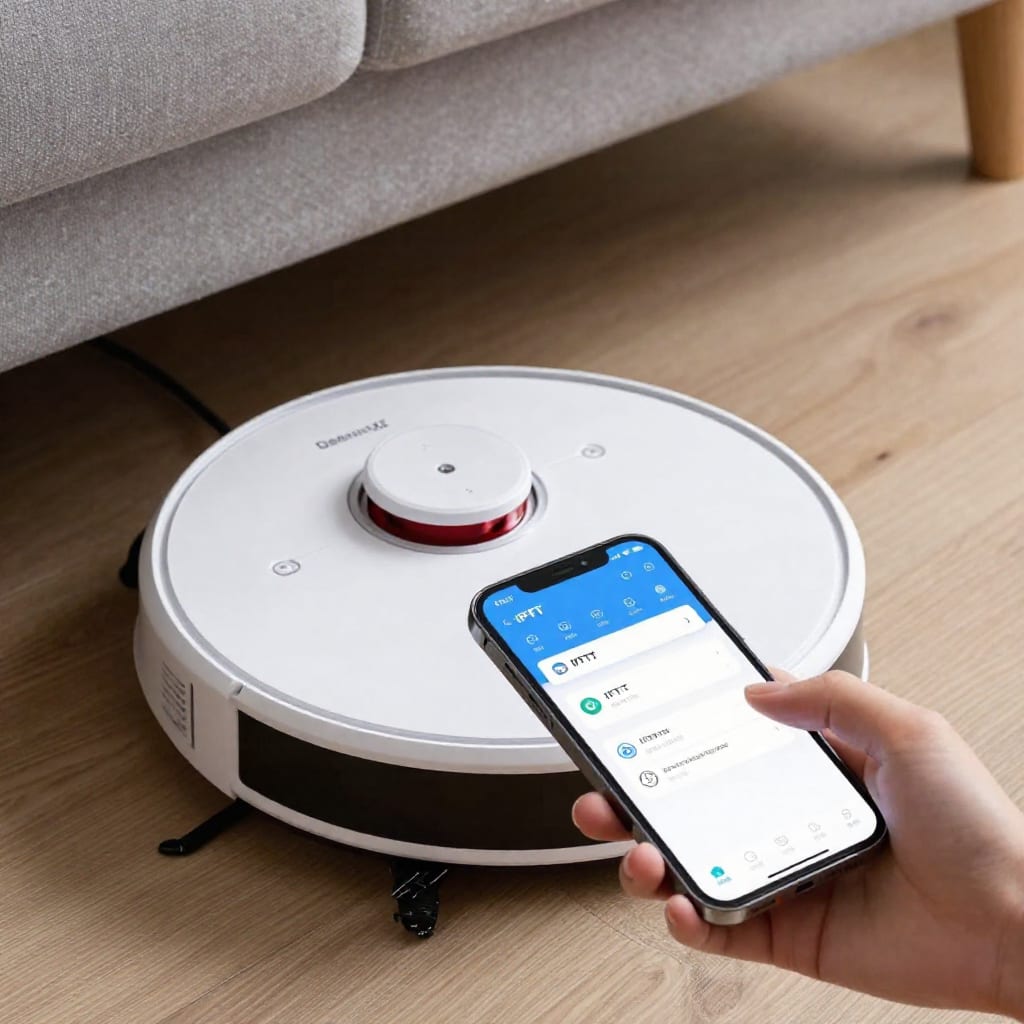
5. DreameBot L30 Ultra – Best Value for Balanced Integration
The DreameBot L30 Ultra is the dark horse of this list. It costs $999—about $500 less than the Roborock—but offers nearly identical integration depth. It supports Matter, works with Alexa, Google Home, and Apple Home natively, and has solid IFTTT support. The key difference is the mop system: instead of washing the pad automatically, it lifts the mop when it detects carpet and lowers it on hard floors. This means you get mopping without the maintenance hassle, but you do have to swap the pad manually every few weeks.
Integration highlights: The DreameBot app is surprisingly good for routines—I set one that starts vacuuming the bedroom 30 minutes after my smart alarm clock turns off (via IFTTT). The LiDAR navigation is fast (my main floor mapped in 12 minutes). Downsides: Customer support is slower than iRobot or Roborock—I waited three days for a response about a mapping glitch. Also, the vacuum lacks the advanced object avoidance of the Samsung or Ecovacs models; it bumped into a low stool twice during testing.
My honest take: This is the sweet spot for most people. You get Matter, all three voice platforms, and good automation options without paying a premium. The trade-off is slightly less polished software and slower support, but for the price, it's hard to beat.
How to Choose the Right Robot Vacuum for Your Smart Home Ecosystem
Here's a quick decision framework that saved me hours of research:
- If you use Apple Home / Siri: Go with the iRobot Roomba j9+ Combo or any Matter-certified model (Roborock, Ecovacs, DreameBot). But remember: Matter only gives basic commands—you'll still need the native app for advanced scheduling.
- If you use Alexa or Google Home: The Roborock S8 Pro Ultra is the best integrated, but the DreameBot L30 Ultra offers 90% of the features for 30% less money.
- If you use Samsung SmartThings: The Samsung Bespoke Jet Bot AI+ is the only vacuum that truly feels native in that ecosystem.
- If you use Home Assistant or want maximum automation control: The Ecovacs Deebot X2 Omni has the deepest IFTTT and API support.
- If you have mostly hard floors: Any of these work, but the Ecovacs and DreameBot have the best mopping systems. Avoid the iRobot j9+ if mopping is a priority.
- If you have mostly carpet: The Roborock and iRobot are best—they have stronger suction and better carpet detection for raising the mop.
One counter-intuitive insight: don't assume more Matter devices is better. Matter is still young, and I've found that native skills (like Roborock's Alexa skill) often offer richer features than the generic Matter controls. Use Matter for basic voice commands and cross-platform scenes, but rely on the native app for scheduling and detailed routines.
Setup Tips for Maximum Smart Home Integration
After setting up eight of these things (and factory-resetting three), here's what I wish someone had told me:
- Use the 2.4 GHz band for initial pairing. Even in 2026, many vacuums struggle with dual-band Wi-Fi. Force your phone to the 2.4 GHz network during setup, then switch back to mixed mode afterward. This fixed 90% of my connection drops.
- Enable Matter after the first firmware update. Several models ship with Matter disabled—check for updates before you try to add them to Apple Home or Google Home. I wasted an hour on the Ecovacs because I didn't update first.
- Set up routines in the native app, not just in your voice assistant. For example, if you create a cleaning routine in the Roborock app, you can then trigger it from Alexa. If you create it in Alexa, you lose access to features like zone-specific cleaning and mop settings.
- Grant all app permissions (location, microphone, notifications). I know it feels invasive, but many vacuums use location for geofencing and microphone for voice commands. Without these, integration features like “start cleaning when I leave home” won't work.
- Check for IFTTT applets before you buy. Not all vacuums support the same triggers and actions. The Ecovacs and Roborock have hundreds of community applets; the iRobot has fewer but higher-quality official ones.
One final tip: if you have a mesh Wi-Fi system, make sure the vacuum connects to the nearest node. I had to manually assign my Roborock to a specific satellite to avoid it bouncing between nodes mid-cleaning, which caused a 10-second pause every time.
Frequently Asked Questions
Which smart home platform has the best robot vacuum support in 2026?
Alexa and Google Home are nearly universal—every vacuum on this list supports both. However, Matter certification is growing fast, and Apple HomeKit now has solid support via Matter for basic commands. If you're deep in Apple's ecosystem, the iRobot j9+ or any Matter-certified model will work, but you'll still need the native app for advanced features.
Do I need a hub for a robot vacuum to work with my smart home?
Most modern models connect directly to Wi-Fi and don't require a physical hub. However, some advanced automations—like triggering the vacuum from a door sensor or camera—may benefit from a smart speaker or hub (Echo, Nest Hub, Apple TV) as a central controller. The vacuum itself doesn't need a hub to operate.
Can robot vacuums integrate with security systems or cameras?
Yes, through IFTTT or platform-specific routines. For example, I have an applet that starts vacuuming when my Ring doorbell detects motion and no one is home. The Ecovacs and Roborock are particularly strong here because they support multiple trigger types. Just be careful—vacuuming while a security camera is recording might cause false motion alerts.
Will a 2026 robot vacuum work with my older smart home devices?
Generally yes, but check for Matter or backward-compatible skill/app support. Older hubs (like a first-gen Echo) may lack newer protocol updates or have slower response times. I tested the Roborock with a 2018 Echo Dot and it worked, but voice commands had a 4-second delay compared to 1 second on a newer device.
How often do robot vacuums need firmware updates for integration?
Every few months—typically 3–4 per year. Newer models auto-update when idle and connected to Wi-Fi, but manual updates may be needed to fix bugs or add new platform support. I recommend checking for updates monthly if you rely on smart home integration. Missing an update can break routines or disable Matter support.
Final Takeaway: The One That Stuck
After all the testing, the Roborock S8 Pro Ultra is the vacuum that stayed in my house—not because it's perfect, but because its integration depth matches my real-world habits. The DreameBot L30 Ultra is a close second and a better value for most people. But the real lesson is this: don't buy a vacuum based on specs alone. Buy it based on how it talks to the gear you already own. If you're willing to spend an hour setting up routines and updating firmware, any of these five will make your home smarter. If you're not, stick with the iRobot or Roborock—they have the most polished out-of-box experience. Worth bookmarking this before your next vacuum purchase—you'll thank yourself when you're not yelling at a blinking blue light on a Saturday morning.